

Here is the procedure to change the size of any drive on your PC.
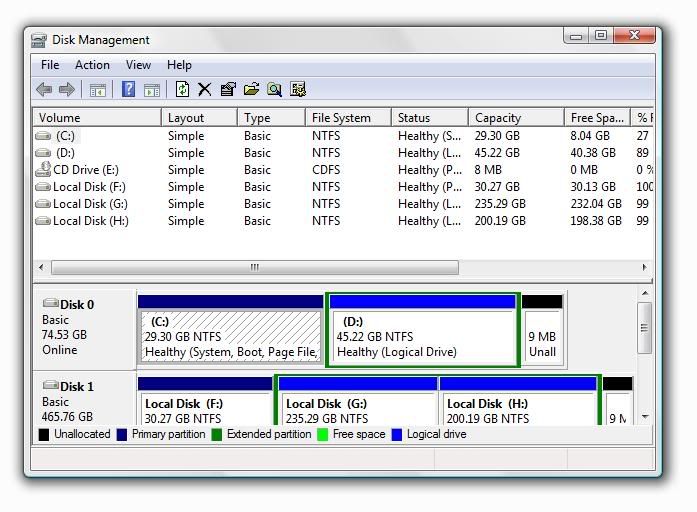
- Go to Start-> Run. Type Diskmgmt.msc and hit Enter.
- Now right click on the partition you want to resize. Select Expand if you want to increase the drive size or Shrink if you want to reduce the drive size,
- Enter the amount of size by which you want to expand or shrink the drive. Your Windows will immediately resize the partition for you













0 comments