

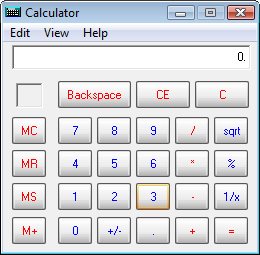
Having read the title of this post you may be wondering if it’s really possible. Yeah! It is possible. As the word suggests, it’s a calculator with a safe which is capable of storing and keeping your files and folders safe. The safe calculator looks just like the default calculator in Windows and in fact it can even perform calculations just like any other calculator. When you start Safe Calculator it will look just like the below pic.
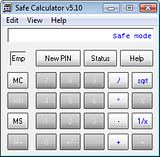
The default code/ pin for the safe is ‘123’. So, to unlock you need to type ‘123’ in the calculator and press on ‘MS’, now the calculator will enter into safe mode. Here you can change the default pin if you want by clicking on ‘New pin’.
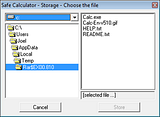
Now click on ‘+’ and then ‘=’ to confirm and enter into the safe to browse and choose the files you want to hide. Click on ‘Store’ once you’re done.













0 comments